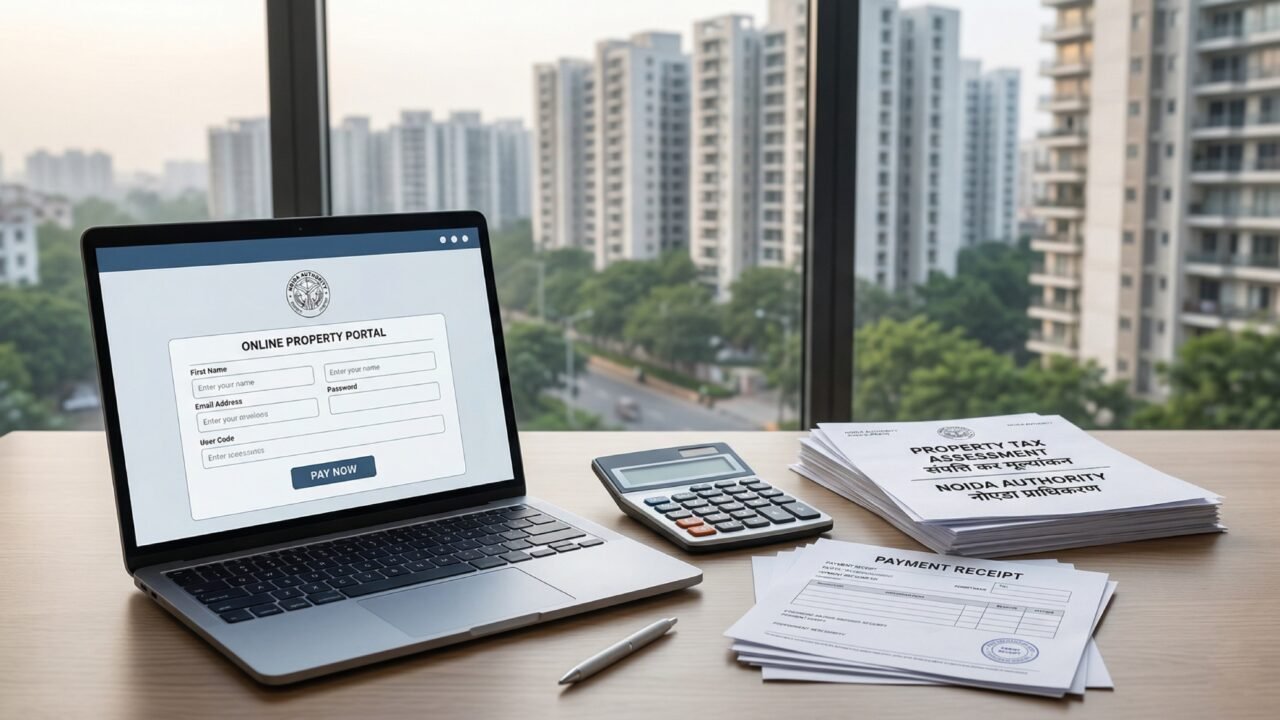
For many homeowners, Noida property tax is one of those recurring civic payments that often creates unnecessary confusion. Residents may know they have to pay it, but are often unclear about how the amount is shown, where to check dues, and which official portal should actually be used.
This guide keeps things simple. If you own a property in Noida and want to check dues or complete payment online, the safest route is to use the official Noida Authority system and avoid relying on third-party links or unverified payment paths.
Important: This guide is intended for properties under Noida Authority jurisdiction. It does not apply to GNIDA or YEIDA properties, which follow separate official systems and payment paths.
What Noida property owners should know
Property tax is a regular civic payment linked to property ownership within Noida Authority areas. The exact amount shown against a property depends on the official records and assessment details available in the authority system.
For most residents, the practical need is not to decode every tax rule in detail, but to know:
- where to check official dues
- how to identify the correct property record
- how to pay online safely
- what receipt or acknowledgement to save after payment
Official portal to use
The official online path for property-related information in Noida is the Noida Property Information System:
Residents can also refer to the main Noida Authority website for linked civic services and official updates:
https://www.noidaauthorityonline.in
How to check your property details and dues
- Visit the official Noida Property Information System at pis.mynoida.in.
- Use the available property search or login path based on the details linked to your property record.
- Verify that the property details shown on screen match your property information correctly.
- Check the dues, tax-related details, or payment-related information displayed against the property record.
If your property record is missing, incorrect, or still reflects older ownership details, avoid making assumptions and use the relevant Noida Authority property-update, mutation, or grievance path before proceeding with payment.
How to pay Noida property tax online
Once the correct property record and dues information are visible on the official system, the next step is to proceed through the authority’s official online payment flow.
- Confirm that you are using the official Noida Authority property platform.
- Review the dues shown against the correct property record.
- Select the payment option available through the authority-linked system.
- Complete the transaction using the supported payment method.
- Download or save the payment acknowledgement or receipt immediately after payment.
It is always a good idea to keep a copy of the payment receipt for future reference.
Why this guide matters
For property owners, confusion usually begins when the payment path is unclear. Some people search randomly, land on non-official pages, or are unsure whether they are viewing the correct authority system at all. That is why using the official Noida Authority property platform is the most important first step.
A simple, official-process approach helps residents avoid unnecessary confusion and keeps the payment process cleaner and safer.
What to keep in mind
- Use only official Noida Authority links.
- Check that the property details shown are correct before making payment.
- Save your acknowledgement or receipt after completing the transaction.
- For unresolved issues, use official authority contact or grievance channels listed on the Noida Authority website.
Official links
Disclaimer
This guide is intended as a practical resident-first explainer based on official Noida Authority online systems available at the time of writing. Portal structure, payment flow, and property-related records may change over time. Residents should always verify details directly on official Noida Authority websites before making any payment or taking any property-related decision. This article does not constitute legal or financial advice.