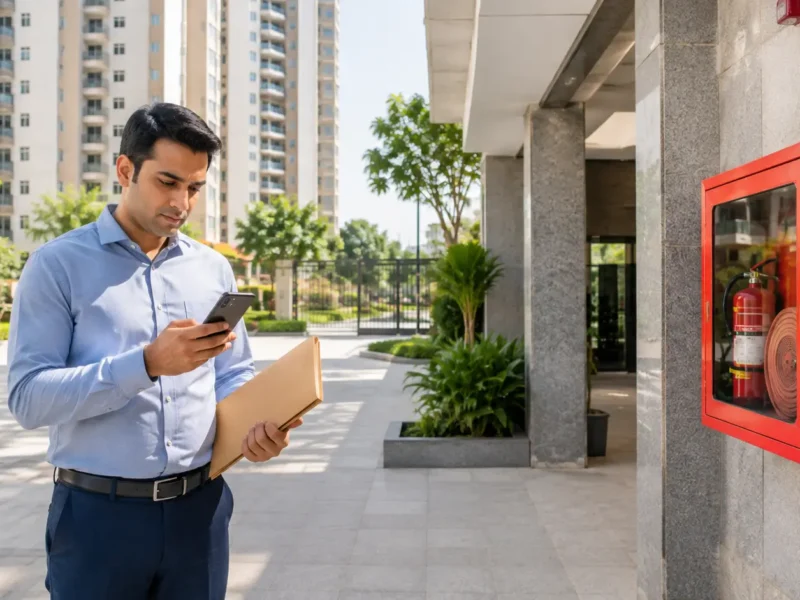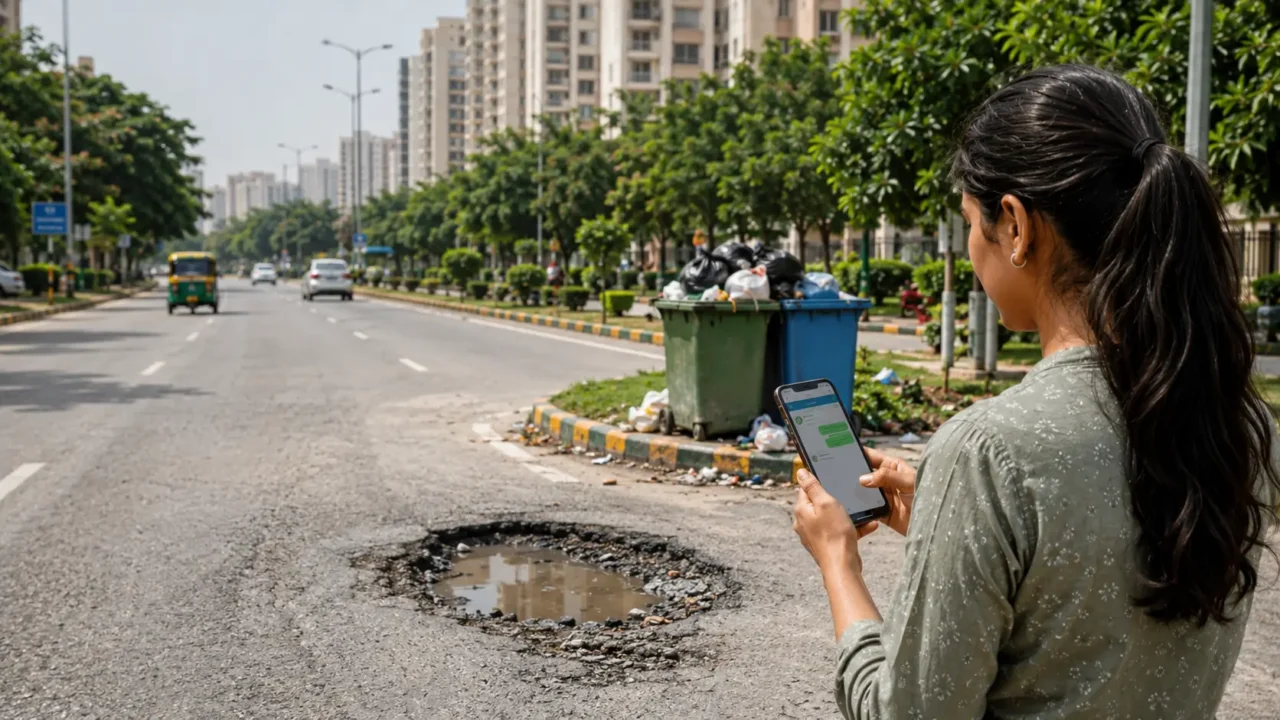
For many Greater Noida residents, a broken street light, overflowing drain, pothole, garbage pile-up or water supply issue creates the same practical problem: which complaint channel should be used, and what details should be sent?
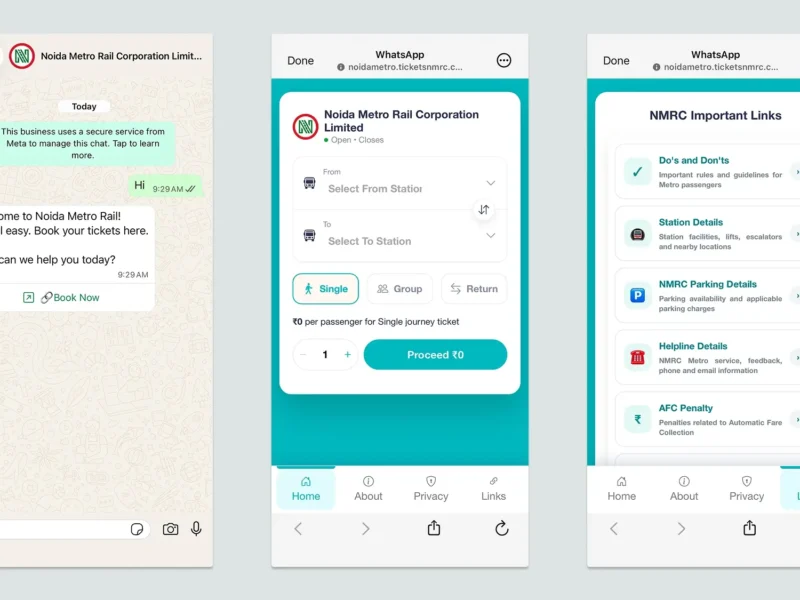
Greater Noida Industrial Development Authority, or GNIDA, has promoted the WhatsApp helpline 8800203912 for civic issues such as garbage collection, pothole repair, water, sewage and street lighting. GNIDA’s citizen-services page also allows residents to raise maintenance, sanitation and horticulture-related requests without login, and lists indicative delivery timelines for several service categories.
GNIDA also promotes the Mitra App as another citizen-service channel. App-store listings describe Mitra as “Citizen Services by GNIDA”, with GNIDA shown as the developer or provider. Residents can use the WhatsApp helpline, the GNIDA citizen-services portal or the Mitra App depending on the issue and the channel they are comfortable using.
This guide explains how residents can file a useful complaint, what details to include and what to save for follow-up.
What can be reported?
GNIDA’s citizen-services page lists maintenance and sanitation issues such as potholes or road cuts, patch repair, minor drain repair, water supply leakage, low water pressure, street lights not working, sewerage overflow, no water supply, overflowing drains, waterlogging, garbage collection, dustbin cleaning, fogging, larvicide request and mechanical sweeping.
The page says no login is required to raise these requests.
Before sending a WhatsApp complaint, prepare these details
A good complaint should be short, specific and easy for the field team to locate.
Include:
- Your name and contact number
- Sector, block, society or landmark
- Exact location, such as gate number, park, tower, road, pole number or drain point
- Type of issue, such as garbage, sewerage, water leakage, pothole or street light
- Date and time when the issue was noticed
- One or two clear photos or a short video
- Whether the issue is urgent, such as waterlogging, sewer overflow or safety hazard
Avoid forwarding vague messages such as “please fix our sector”. These are difficult to act on and harder to track.
Sample WhatsApp complaint format
Name:
Location: Sector / society / landmark
Issue: Garbage / pothole / water leakage / sewer overflow / street light
Exact point: Near gate number / pole number / park / road
Since when: Date and approximate time
Photo/video attached: Yes
Resident request: Please inspect and resolve. Kindly share complaint/reference number if generated.
What timelines does GNIDA list?
GNIDA’s citizen-services page lists indicative delivery timelines, not guaranteed deadlines, for several service categories.
Examples include temporary filling of potholes or road cuts in 7 days, patch repair in 30 days, minor drain repair in 10 days, minor water supply leakage in 1 day, low-pressure water supply in 5 days, street light not working in 7 days, sewerage overflow in 7 days, no water supply in 5 days, overflowing drain in 7 days, waterlogging in 3 days, garbage collection in 5 days, dustbin cleaning in 5 days, fogging in 5 days, larvicide request in 5 days and mechanical sweeping in 7 days. Larger road works may carry longer timelines, such as resurfacing of roads, which the page lists at 180 days.
Residents should treat these as service-window references, not as a guarantee in every individual case. Weather, contractor availability, field verification and issue complexity may affect actual resolution time. For the full and current category-wise list, residents should check the GNIDA citizen-services page directly.
What residents should save after filing
After sending a complaint or raising a request online, save:
- Screenshot of the WhatsApp message, app submission or online request
- Date and time of complaint
- Any complaint ID or acknowledgement
- Photos before and after resolution
- Name or number of any staff member who calls back
- Follow-up messages sent after the indicative timeline has passed
This helps if the complaint needs to be escalated later through GNIDA, RWAs, AOAs or state grievance channels.
Also read: Existing PON civic grievance guide
When should residents escalate?
Escalation may be needed if:
- no acknowledgement is received
- the same issue keeps recurring
- the indicative timeline has passed without action
- the issue affects public safety or health
- the complaint is marked resolved without actual work on the ground
For repeated civic issues, residents may also route follow-ups through their RWA or AOA, especially if the issue affects a common road, drain, park, society boundary, water point or public space.
The bottom line
A civic complaint channel works best when residents send clear, location-specific complaints and preserve proof of follow-up. For Greater Noida, GNIDA’s WhatsApp helpline, citizen-services portal and Mitra App can be useful starting points for day-to-day civic problems. The key is to file the complaint properly, keep records and escalate only when the normal response window has passed.
Sources
GNIDA citizen-services page; GNIDA official social media post on WhatsApp helpline 8800203912; Mitra App listings on app stores; Pulse of Noida’s earlier civic grievance explainer.